카카오플러스친구


비밀번호 확인 닫기


상품 상세 설명
 
 
   브랜드샵 > Golden Software > [교육용] Surfer v31 영구 라이선스


이전상품 [교육용] Surfer v31 영구 라이선스 다음상품


제조회사 : Golden Software
판매가격 : 1,386,000원 (VAT 포함)
공급방식 : ESD
수량 EA
 
 
상품 상세 설명


본 제품은 교육용 제품입니다.

한국 내 교육기관(초/중/고/대학교)에서 구매할 수 있습니다.

● 교육기관: 사업자등록증

제출처: sales@kreissoft.com (팩스 접수 불가)


Surfer is a grid-based mapping program that interpolates irregularly spaced XYZ data into a regularly spaced grid. Grids may also be imported

from other sources, such as the United States Geological Survey (USGS).

The grid is used to produce different types of maps including contour, color relief, and 3D surface maps among others. Many gridding and mapping options are available allowing you to produce the map that best represents your data.


Visualize Data

You work hard gathering your data. Don’t settle for subpar visualizations.

Utilize Surfer’s extensive modeling tools to display your data the way it deserves while maintaining accuracy and precision.

Clearly communicate information related to geology, hydrology, environmental, construction and more with Surfer.
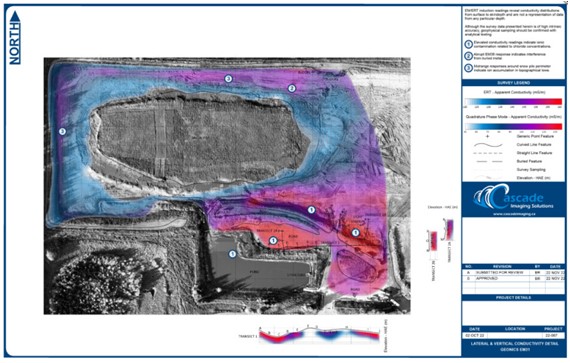


Create Professional Maps for Your Field

Easily communicate both simple and complex spatial data. Whether your work pertains to geology, hydrology, construction, the environment or any related industry, Surfer gives you the tools to create high-quality maps to clearly deliver your message to coworkers, clients, and stakeholders alike.
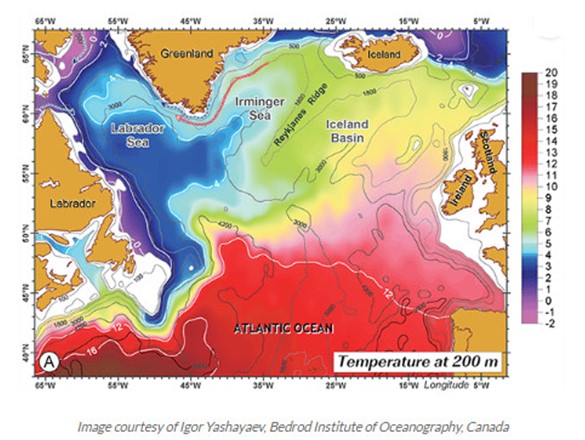


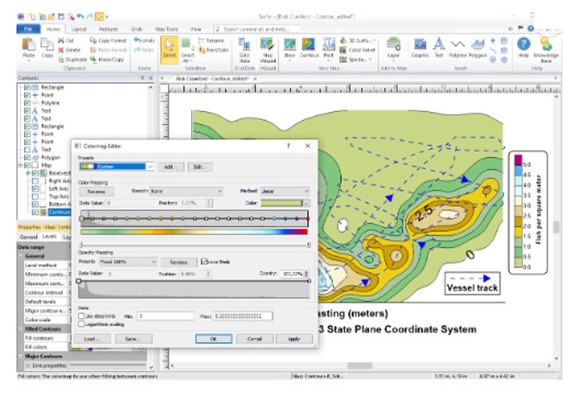
Streamlined Workflows

You will be up and running in matter of minutes. Surfer’s user interface was designed to take the guesswork out of learning a new program for users in any industry, from hydrology to construction. We worked hard to streamline workflows so you don’t have to.

System requirements:

Surfer is a Windows based, desktop software.

For Mac, Linux, or Unix users, Surfer can be run using your preferred Windows emulator. We recommend testing the functionality with our trial version before purchasing.

Minimum Requirements;
  • Windows 10, 11 and higher

  • 64-bit operating system

  • 1024×768 or higher monitor resolution with minimum 16-bit color depth

  • At least 1GB free hard disk space. 500GB or larger hard drive with 25% disk space available recommended

  • 2GB RAM minimum, 16GB RAM recommende.

  • .NET Framework 4.8


3D View requirements:

  • Graphics card with OpenGL v3.2 or later
  • Dedicated graphics card (e.g. NVIDIA, AMD) highly recommended
  • Windows emulators, such as VMs and Parallels for Mac, may not support all the required features for viewing data in the 3D view

Fine Tuning Surfer Performance

  • Issues with 3D View features may be corrected by upgrading to the latest graphics drivers.
  • Many heavily computational operations, including gridding and contouring, are multi-threaded and processor reliant. A faster processor will improve Surfer’s performance.
  • For processing very large data files, such as LiDAR or some vector data files, fast and large RAM storage capacity is recommended.
  • Click the File | Options command and on the General page, set the Max number of processors to use all processor cores.
  • For improved performance, you can disable Save auto recovery information (File | Options | General). However, disabling this feature means you will lose any unsaved work if the program closes unexpectedly. Auto-recovery is highly recommended to protect your data.